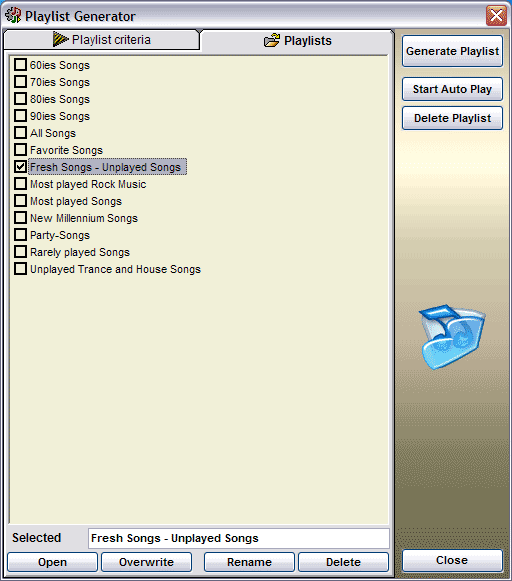
• Playlist Generator Presets
Manage your favorite Playlists...
Let's have a closer look... |
|
|
Click checkbox to set desired Playlist criteria as standard for Auto-Play
Mode • Open Open selected Playlist to the Playlist Generator • Overwrite/Save Overwrite/Save current Playlist criteria of Playlist Generator • Rename Rename selected Playlist • Delete Delete selected Playlist Note: To create a new Playlist, click in the empty area of List and enter a name in the [Selected] textbox and click [Save] |
•
[Generate
Playlist] Generate Playlist with selected criteria. This function appends Songs to current Playlist • [Start Auto Play] Start Auto Play Mode with displayed Playlist criteria • [Delete Playlist] Delete current Jukebox's Playlist • [Close] Close Playlist Generator |